 RunKarobar
Home › Free formats › Payment Receipt Format
Payment Receipt Format (Free Download)
A payment receipt (money receipt) format to acknowledge money received from a customer, by cash, UPI, card, cheque or bank transfer.
- Free
- 3 designs
- Excel with automatic totals
- Word & PDF
- No sign-up
Pick a design. Each one is free to download in PDF, Word and Excel, blank and ready for your details.
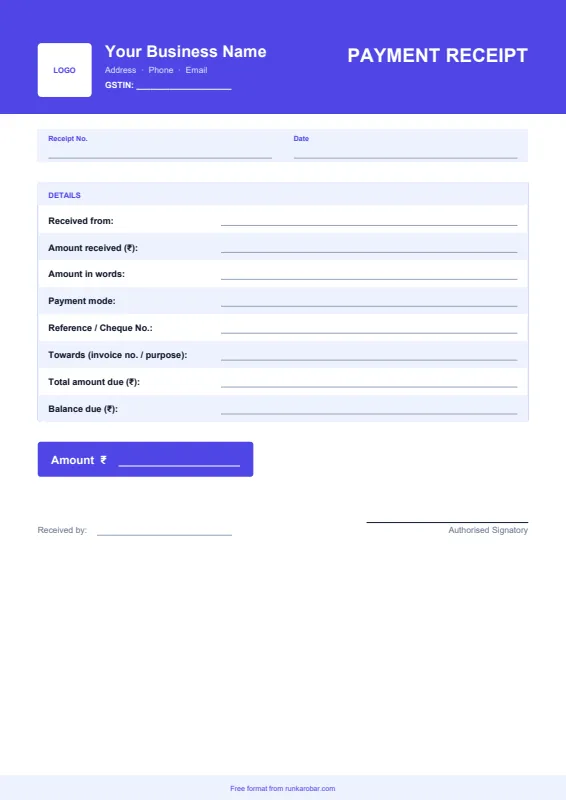
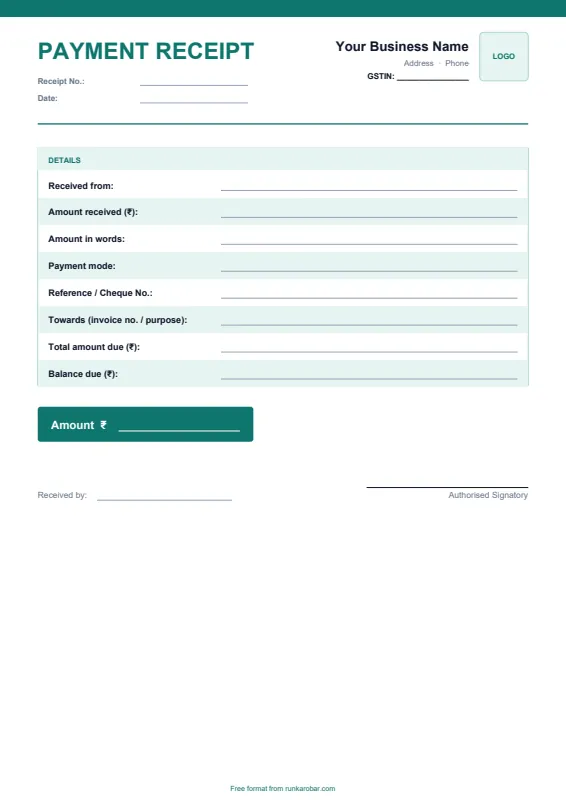
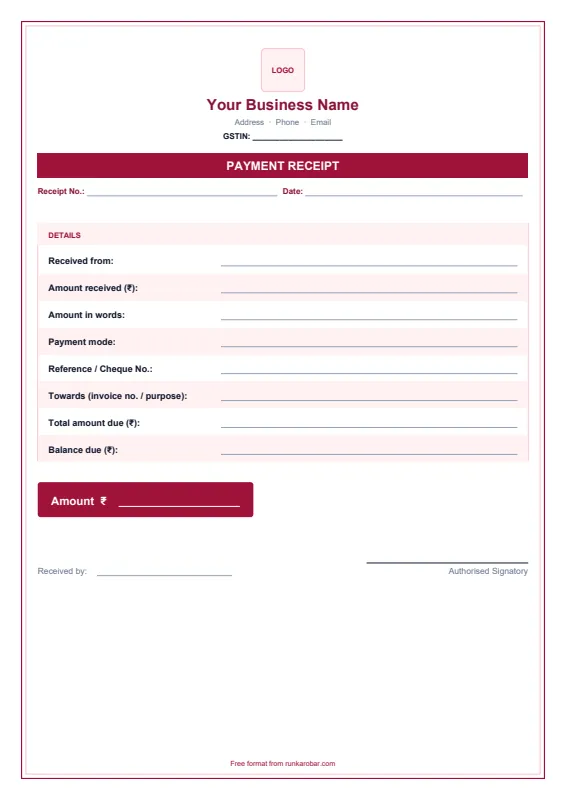
See a filled-in example (Classic design)
How to use this payment receipt format
- Download the format in Excel, Word or PDF.
- Add your business name, address, GSTIN and phone at the top. In Excel, the yellow cells are the ones to fill.
- Fill in who paid, the amount in figures and words, the payment mode and the reference or cheque number.
- Add the invoice it's against and the total due. In Excel, the balance due calculates automatically.
- Save, print or share it as a PDF on WhatsApp or email.
What to include in a payment receipt
- Your business name, address and GSTIN
- Receipt number and date
- Name of the person who paid
- Amount in figures and in words
- Payment mode and reference, cheque or UPI number
- What the payment is for, and any balance still due
- Signature of the person receiving the money
Need receipts often? Our free receipt maker fills one in your browser and prints a customer copy and an office copy.
Skip the templates altogether
RunKarobar creates bills, tracks stock and manages staff from one app, with every total calculated for you. First month ₹1.
Start your ₹1 monthSee all featuresFrequently asked questions
What is a payment receipt?
It's a written acknowledgement that you've received money from a customer, showing the amount, date, payment mode and what it was for.
Is a payment receipt the same as an invoice?
No. An invoice asks for payment; a receipt confirms that payment was made. You can issue a receipt against an invoice, or for an advance before you invoice.
Do I need to give a receipt for UPI payments?
It's good practice. A receipt that names the invoice and UPI reference makes it easy for both sides to match the payment later.
What should I write if the customer pays only part of the amount?
Write the amount received, the total due and the balance still due. The Excel version works out the balance for you.
More free formats: Proforma Invoice Format, Purchase Order Format, Credit Note Format, Debit Note Format.
These free formats are provided for convenience. Please check GST rates, tax rules and document details with your accountant before relying on them.