 RunKarobar
Home › Free formats › Purchase Order Format
Purchase Order Format (Free Download)
A purchase order (PO) format for ordering stock from your suppliers, with quantities, agreed rates, delivery date and terms. The Excel version calculates amounts and GST for you.
- Free
- 3 designs
- Excel with automatic totals
- Word & PDF
- No sign-up
Pick a design. Each one is free to download in PDF, Word and Excel, blank and ready for your details.
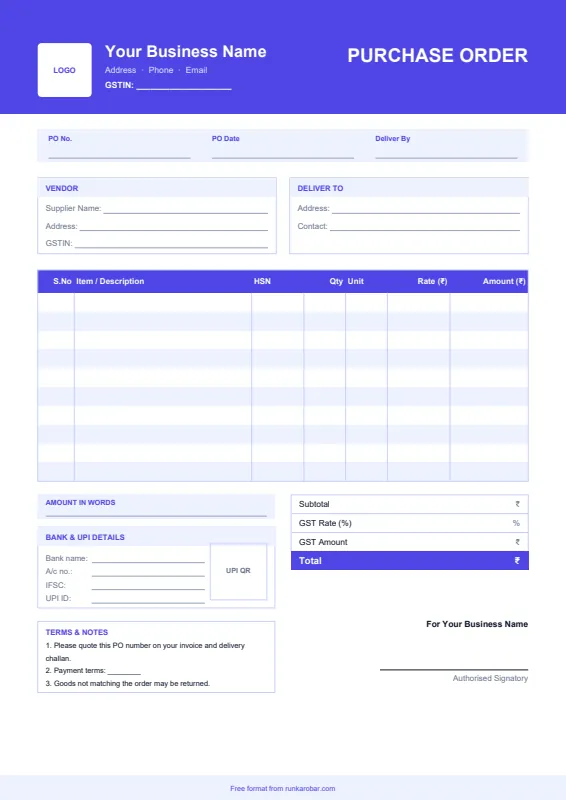
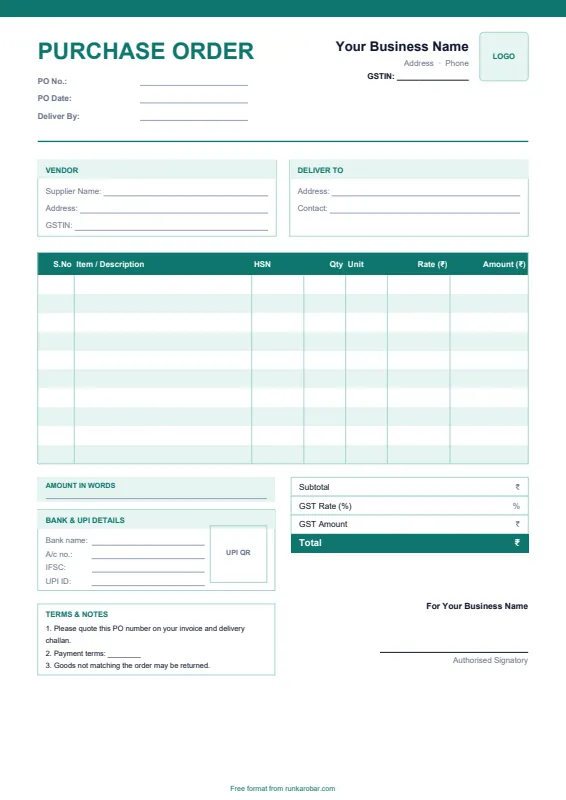
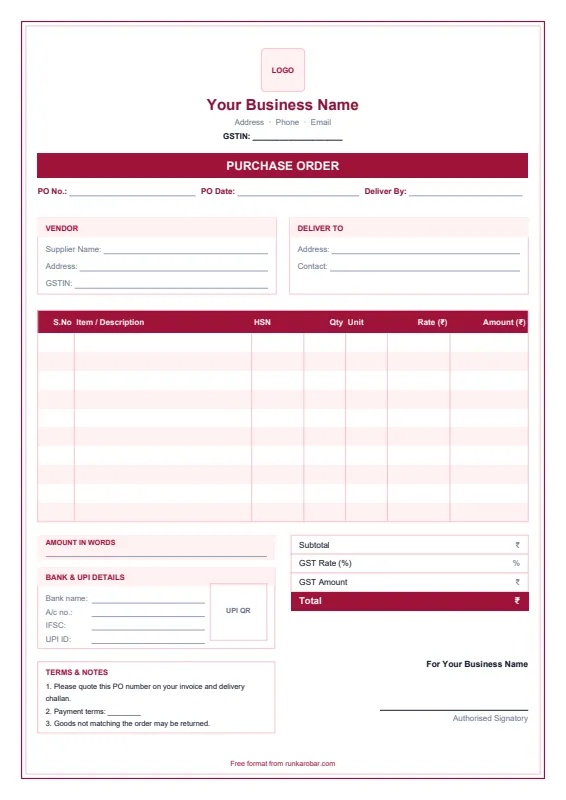
See a filled-in example (Classic design)
| S.No | Item / Description | HSN | Qty | Unit | Rate (₹) | Amount (₹) |
|---|---|---|---|---|---|---|
| 1 | School shoes, black (sizes 6 to 10) | 6403 | 60 | pairs | 420.00 | 25,200.00 |
| 2 | Sports shoes, white | 6404 | 40 | pairs | 560.00 | 22,400.00 |
| 3 | Cotton socks (pack of 3) | 6115 | 50 | packs | 90.00 | 4,500.00 |
Authorised Signatory
How to use this purchase order format
- Download the format in Excel, Word or PDF.
- Add your business name, address, GSTIN and phone at the top. In Excel, the yellow cells are the ones to fill.
- Enter the supplier's details, where to deliver, and the date you need the goods by.
- List each item with quantity, unit and the agreed rate. In Excel, amounts, GST and the total calculate automatically.
- Save, print or share it as a PDF on WhatsApp or email.
What to include in a purchase order
- Your business name, address and GSTIN
- PO number, PO date and delivery date
- Supplier name, address and GSTIN
- Delivery address and contact person
- Items with HSN code, quantity, unit, rate and amount
- Subtotal, GST, total and payment terms
Why use a PO: a purchase order fixes the quantity and price before the supplier ships. When the goods and the supplier's invoice arrive, match them against the PO before you pay, so you only pay for what you ordered at the rate you agreed.
Skip the templates altogether
RunKarobar creates bills, tracks stock and manages staff from one app, with every total calculated for you. First month ₹1.
Start your ₹1 monthSee all featuresFrequently asked questions
What is a purchase order?
It's a document a buyer sends to a supplier to order goods, listing the items, quantities, agreed prices, delivery date and payment terms. Once the supplier accepts it, it works as an agreement for that order.
Who issues a purchase order?
The buyer. A shop sends a PO to its supplier or distributor; the supplier then delivers the goods with a delivery challan or invoice that refers to the PO number.
Is a purchase order the same as an invoice?
No. A PO is sent by the buyer before delivery. An invoice is sent by the supplier after supply, asking for payment.
Should a purchase order include GST?
It helps. Showing GST gives you the full cost of the order, so it matches the supplier's invoice when it arrives.
More free formats: Proforma Invoice Format, Payment Receipt Format, Credit Note Format, Debit Note Format.
These free formats are provided for convenience. Please check GST rates, tax rules and document details with your accountant before relying on them.