 RunKarobar
Home › Free formats › Stock Register Format
Stock Register Format (Free Download)
A simple stock register to record opening stock, stock received and stock sold for each item. The Excel version calculates closing stock for you.
- Free
- 3 designs
- Excel with automatic totals
- Word & PDF
- No sign-up
Pick a design. Each one is free to download in PDF, Word and Excel, blank and ready for your details.
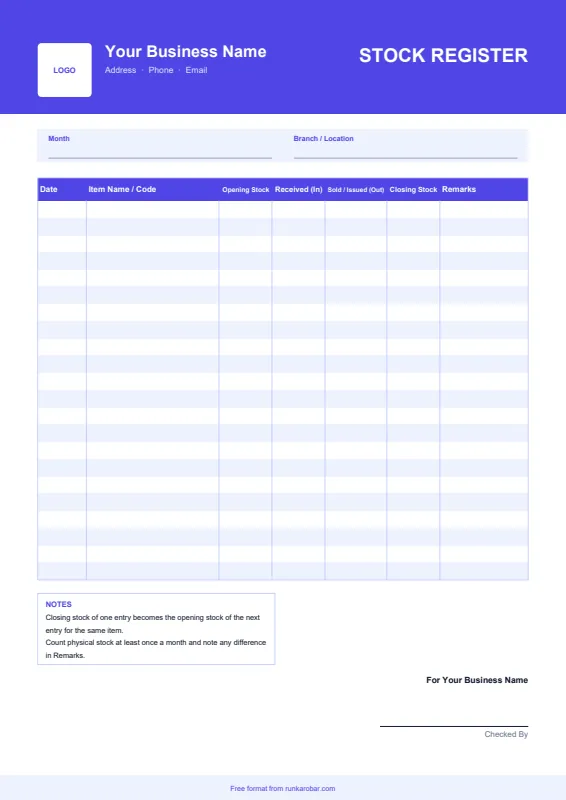
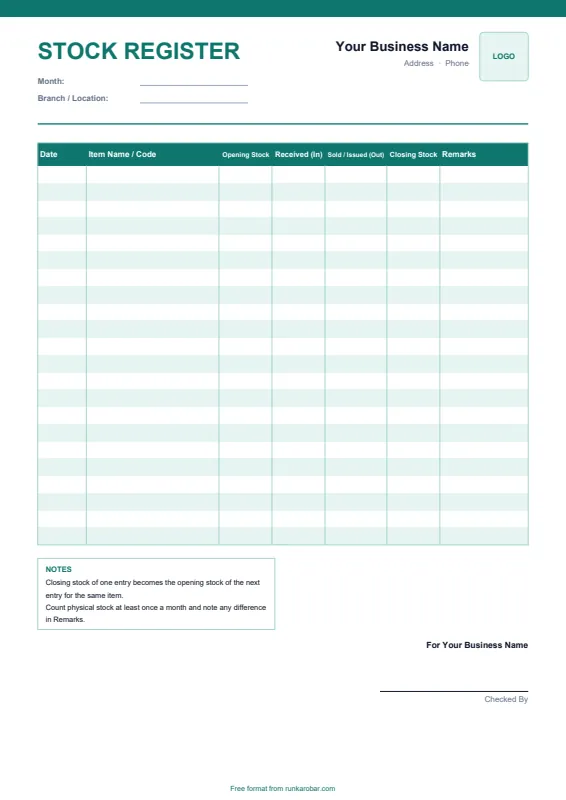
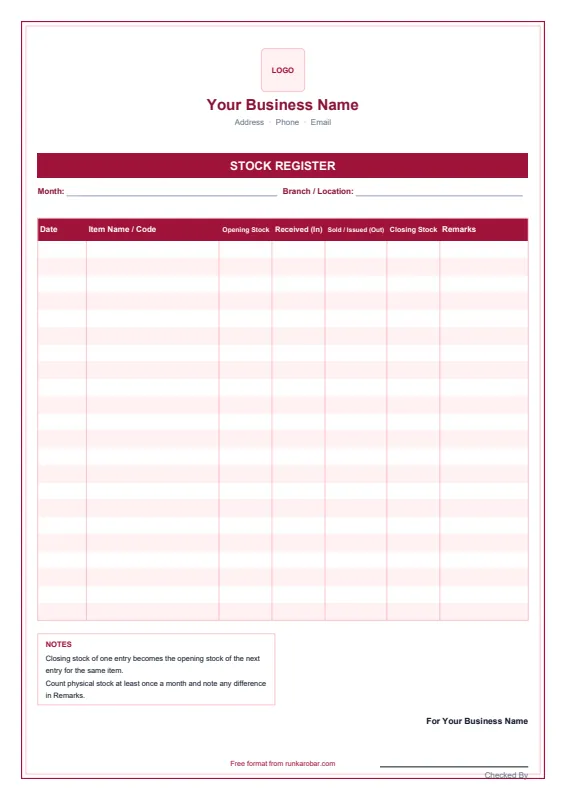
See a filled-in example (Classic design)
| Date | Item Name / Code | Opening Stock | Received (In) | Sold / Issued (Out) | Closing Stock | Remarks |
|---|---|---|---|---|---|---|
| 01/11 | School shoes, size 7 | 12 | 24 | 9 | 27 | |
| 01/11 | Sports shoes, size 9 | 8 | 0 | 3 | 5 | |
| 02/11 | Slippers, size 8 | 30 | 0 | 6 | 24 | 2 damaged |
Checked By
How to use this stock register format
- Download the format in Excel, Word or PDF, in the design you like.
- Add your shop name, address and phone at the top. In Excel, the yellow cells are the ones to fill.
- Enter the date, item, opening stock, stock received and stock sold. In the Excel version, closing stock calculates automatically.
- Save, print or share it as a PDF on WhatsApp or email.
What to include in a stock register
- Date of each entry
- Item name or code (and size or colour, if relevant)
- Opening stock
- Stock received (in)
- Stock sold or issued (out)
- Closing stock = opening + in − out
- Remarks, such as damaged goods or returns
Tip: make the closing stock of one entry the opening stock of the next entry for the same item. Count physical stock at least once a month and note any difference in Remarks. Items that haven't moved for 90 days are dead stock and worth clearing.
Skip the templates altogether
RunKarobar creates bills, tracks stock and manages staff from one app, with every total calculated for you. First month ₹1.
Start your ₹1 monthSee all featuresFrequently asked questions
What is a stock register?
A stock register is a record of the goods a business holds, showing opening stock, goods received, goods sold or issued, and closing stock for each item.
How do I calculate closing stock?
Closing stock = opening stock + stock received − stock sold or issued. The Excel template does this automatically for each row.
How often should I update the stock register?
Ideally every day, or whenever stock comes in or goes out. At minimum, count and update it once a month.
Is a stock register the same as a dead stock register?
No. In India, a 'dead stock register' usually means a register of fixed assets like furniture and equipment. This template is for goods you buy and sell.
More free formats: Bill Format, GST Invoice Format, Cash Memo Format, Quotation Format.
These free formats are provided for convenience. Please check GST rates, tax rules and document details with your accountant before relying on them.